To view commission for a specific period
- Go to the Commission Sales Periods page (LS Retail - BackOffice - Sales & Marketing - Administration - Sales Commission - Sales Periods).
-
Here you can see all sales periods and whether or not they have been closed.
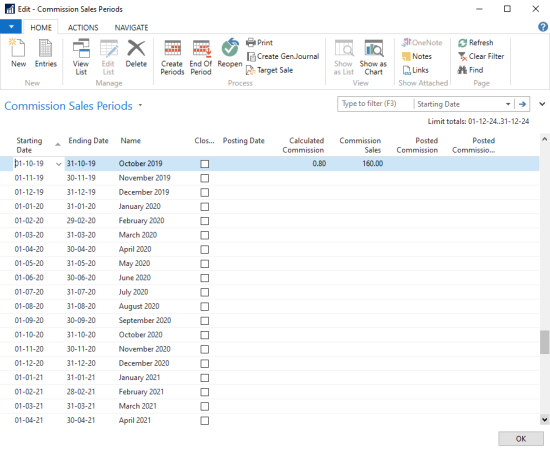
- Select a period in the list and click Entries on the Home action menu.
To correct an entry
- Select the relevant sales period line and click the Entries action.
- Click the Insert Correction Entry action. A new line is created, marked with a check in the Correction field.
- To delete the correction, click the Delete Correction Entry action.